


How Custom Event Installations Work: Sensor Software, IoT, and 3D-Printed Props
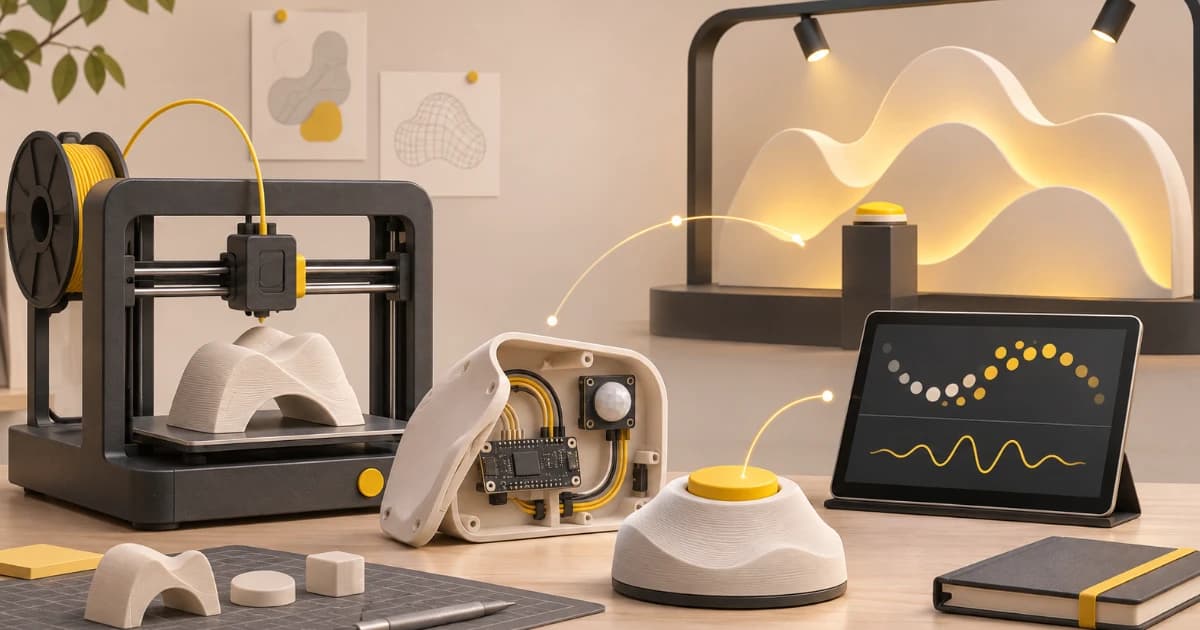
An interactive event idea might start with “tap once to strike gold” or “complete sensing to receive chocolate.” To let participants smoothly complete the experience onsite, motion detection, control programs, game screens, and physical props must be designed within one integrated process.
Lafun Studio can develop sensing and device control programs tailored to brand event needs, integrating games, photo printing, and mechanical actions, while using 3D printing to produce prototypes, props, fixtures, and custom shells. This article explains, through existing cases and interactive solutions, how these capabilities collaborate and what conditions must be confirmed before production.
Which parts of customized interactive event devices can be personalized?
The customization scope can start from participant operation modes: using tapping, palm sensing, buttons, or other triggers suitable for the setting to activate games, accumulate scores, or advance to the next stage. Brand visuals, countdowns and results screens, giveaway dispensing rules, as well as prop design and operating height all need to be evaluated together.
For example, even with the same tapping device, different themes may require different prop grips, operating zones, and scoring rhythms. Defining desired participant actions and their feedback first enables selecting appropriate sensing methods, software processes, and physical structures.
From gold rush challenge and IPSA strikes cases, see how movements become games
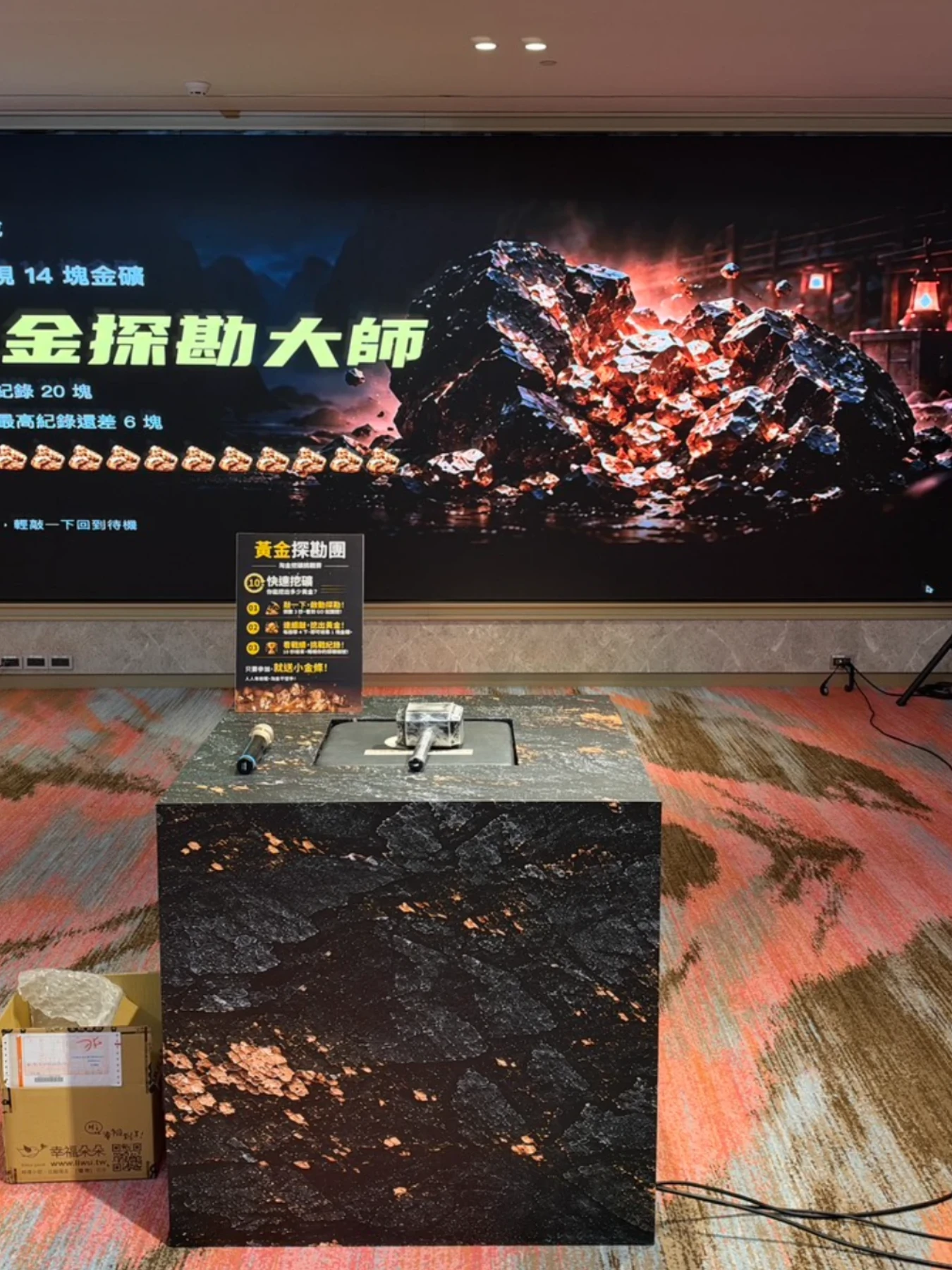
“Golden Prospectors” combines a physical tapping target, hammer props, a control platform, and a large screen with gold mining animations. Participants tap once to start the game, then after a 3-second countdown, tap continuously for 10 seconds; the screen synchronously displays remaining time and accumulated gold, and shows results and record comparisons at the end.
The key point of this experience is to let participants know where to tap, when to start, and what effect each action produces. Props, tapping targets, gameplay signage, and screen feedback collectively establish a clear operational rhythm and make the ongoing challenge easy to understand for onlookers.
View case: Golden Prospectors | Gold Prospecting Interactive Challenge
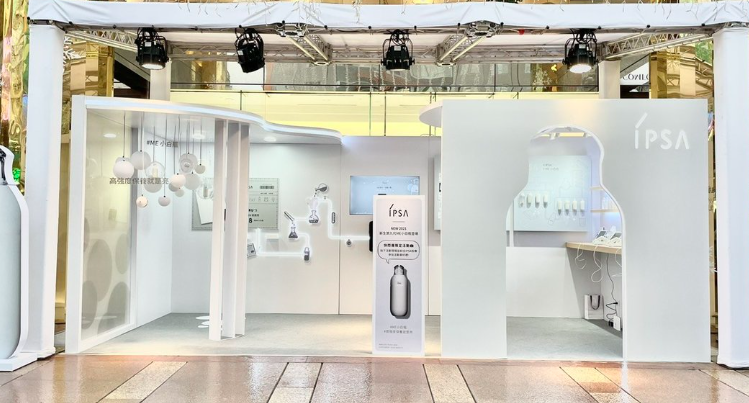
Another case, the “IPSA Aerobic Strike Interactive Device,” lets participants strike punching pads to earn scores, then proceed to receive sample packs. These two examples demonstrate how body movements, game results, and subsequent event flow must be planned together as an engaging experience.
View case: IPSA Aerobic Strike Interactive Device
How do sensing programs, device control and IoT coordinate with event needs?
Sensors detect motions or states; control programs determine when to start, how to score, and when to end or reset. For instance, one sensing event triggers a screen change, or consecutive motions accumulate game results. Rules must be defined per gameplay and tested for repeated triggers and operation handoffs.
If the event requires multiple devices exchanging status, syncing data with backend, or linking member and redemption processes, then IoT and network integration can be assessed. Whether onsite internet connection is necessary, which functions can operate locally, and how to recover after disconnection should be confirmed during planning and developed according to the project scope.
KISSES Heart Sensor Machine: from sensing success to actual giveaway delivery
In the “Customized Interactive Vending Machine System” showcase, the KISSES Heart Sensor Machine integrates palm sensing with branded visuals. After participants complete sensing, the screen shows success feedback, then a designated track dispenses chocolate, making giveaway distribution part of the interactive experience.
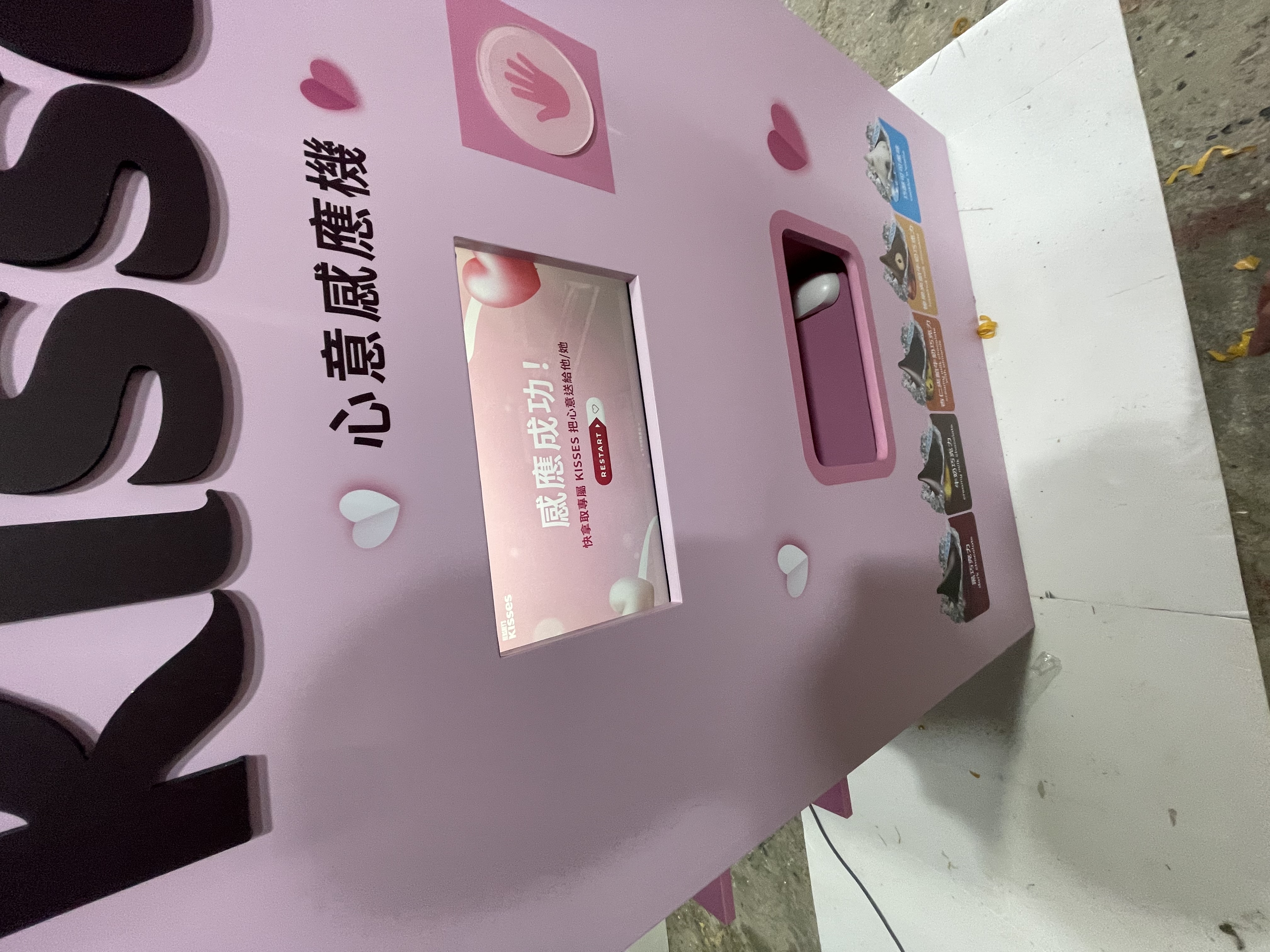
Such devices require careful confirmation of sensors, control boards, motors, tracks, and product packaging. Product size, weight, friction, and drop method all affect dispensing, so real product testing is necessary, followed by adjusting track setup, control rules, and pickup structures.
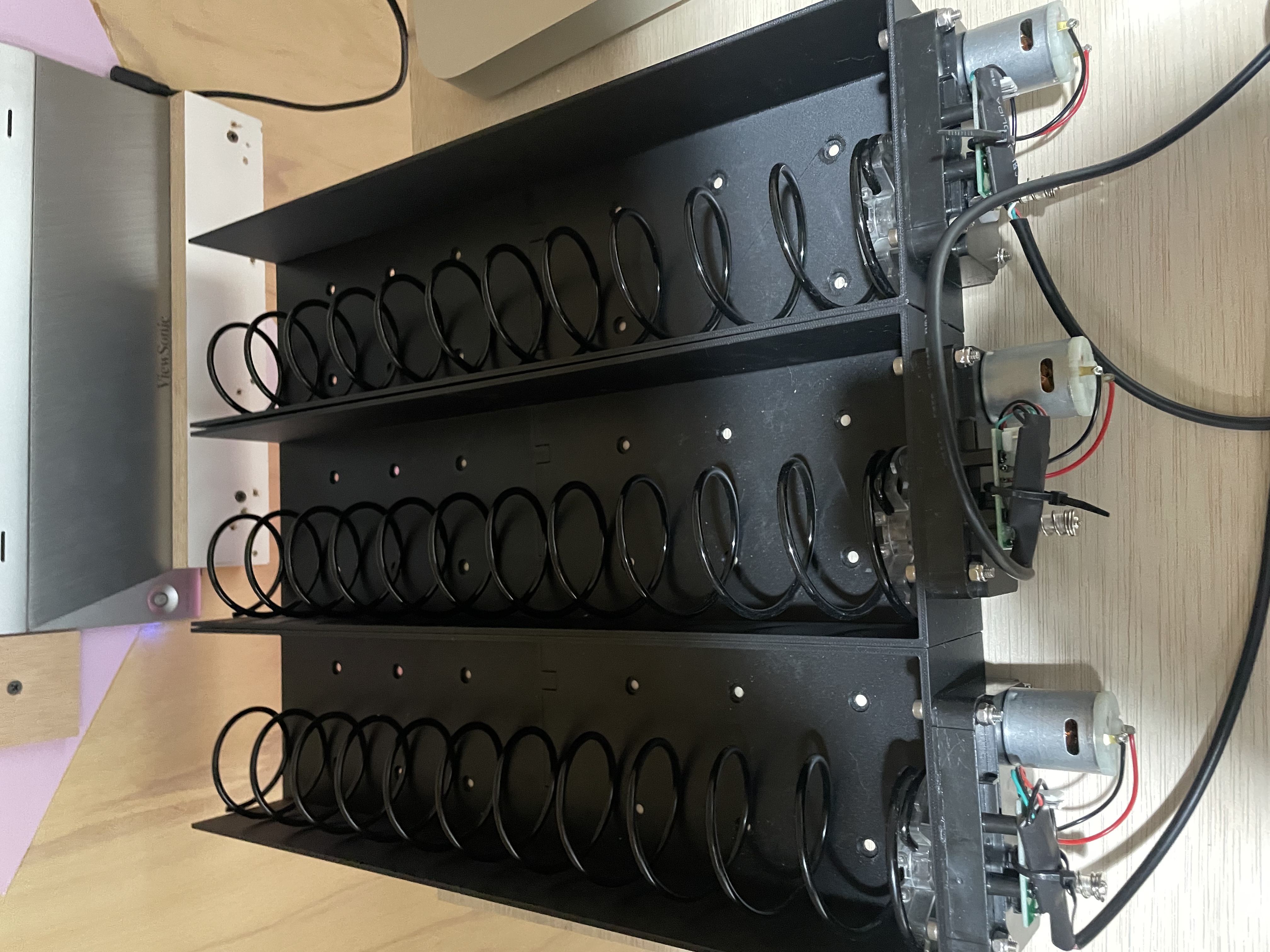
View solution: Customized Interactive Vending Machine System and KISSES Heart Sensor Machine
How is 3D printing used in props, shells, and fixtures?
Lafun Studio can independently produce interactive props and housings using 3D printing, as well as sensor mounts, internal brackets, and assembly parts. Initially, prototypes confirm dimensions, grip methods, device placement, and installation interfaces to help identify operational and assembly issues before formal production and allow design adjustments.
During official use, the production method must consider part size, stress load, duration of use, surface texture, and onsite environment. Areas requiring repeated tapping, load-bearing structures, and outdoor parts should have materials and structures separately verified, using additional processes if necessary. The applicability of 3D printing depends on actual use and test results.
Brand housing and equipment integration require early joint planning.
The “Modular Custom Photo Sticker Machine System” presents another customization approach: integrating camera, touchscreen, lighting, control computer, and printer into a branded housing. The exterior design must simultaneously consider camera angles, screen cutouts, photo paper exits, heat dissipation, wiring, supply refills, and maintenance access.
If the housing is produced by the brand or exhibition team, they can first provide drawings and available equipment space to coordinate mechanical, software, and onsite operation confirmation. Event props can use the same collaborative approach: first confirm operation and internal layout, then proceed with exterior fabrication and full-system testing.
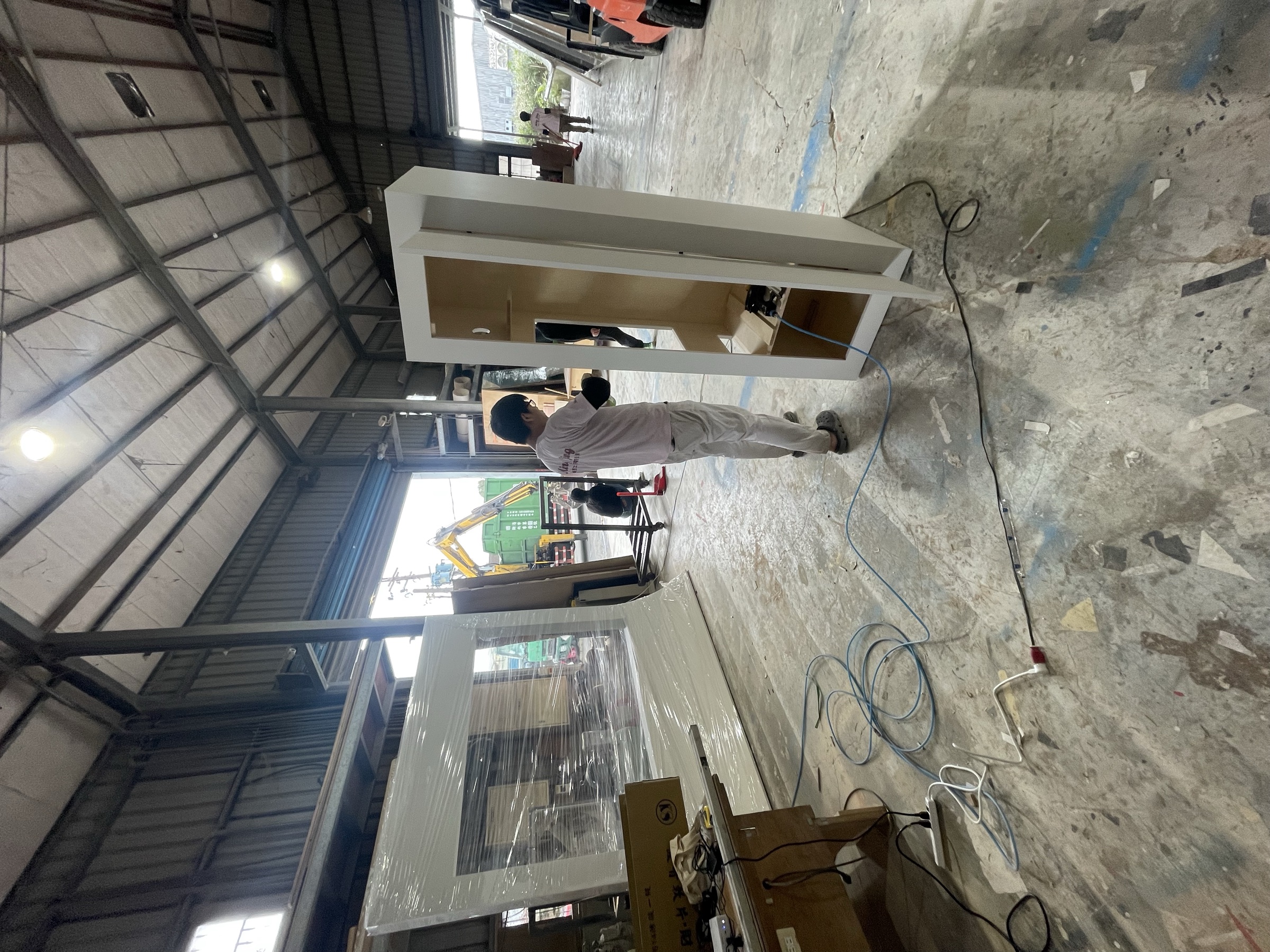
View solution: Modular Custom Photo Sticker Machine System.
Photo capturing and printing can also be integrated into a brand-exclusive participation flow.
The “IPSA Street Photography Instant Print Creative Poster” case automatically composites photographed photos into event-exclusive commemorative posters, prints them onsite, and links to subsequent booth activities. Every step—from shooting and template application to output—requires coordination with onsite staff and participant flow arrangements.
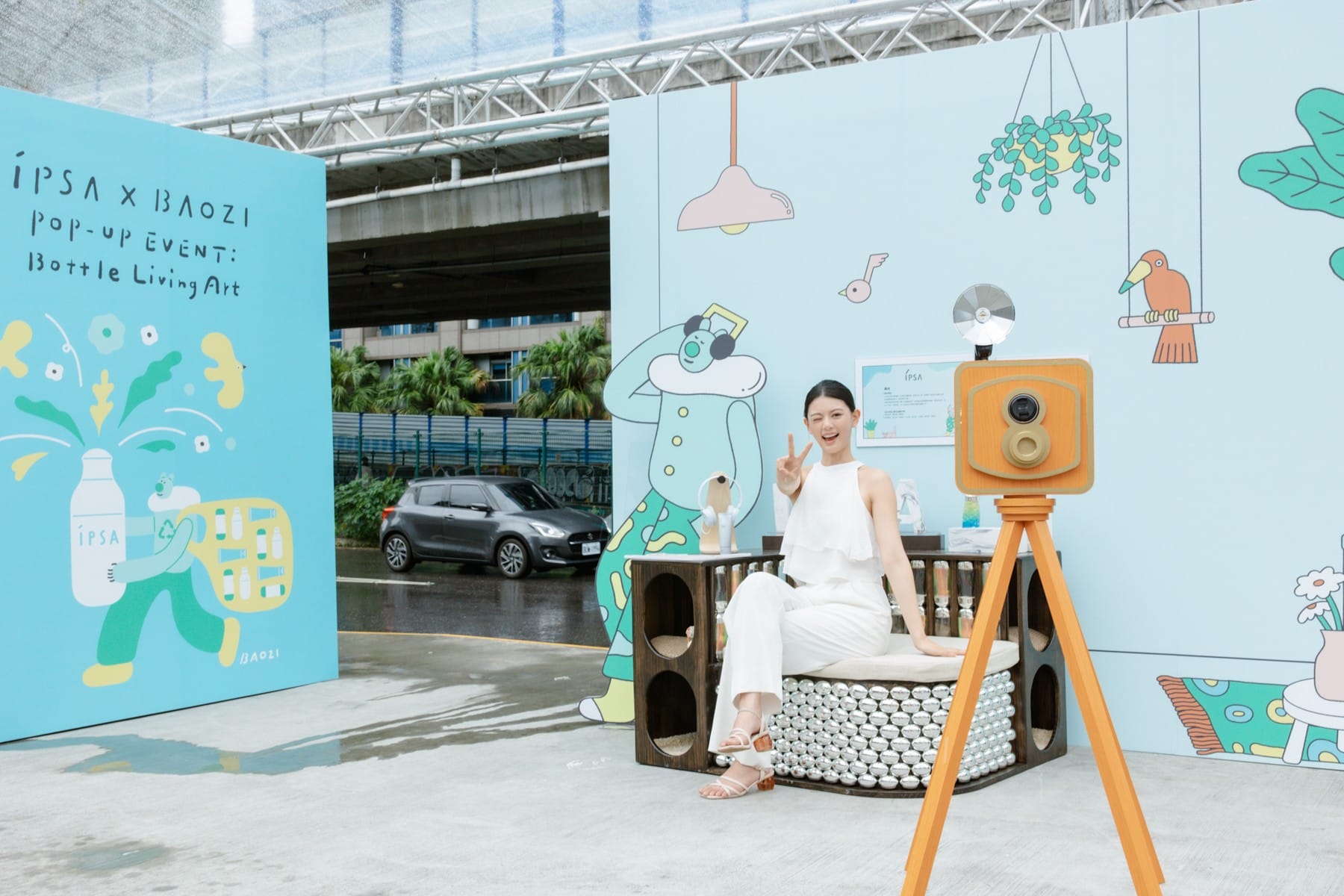
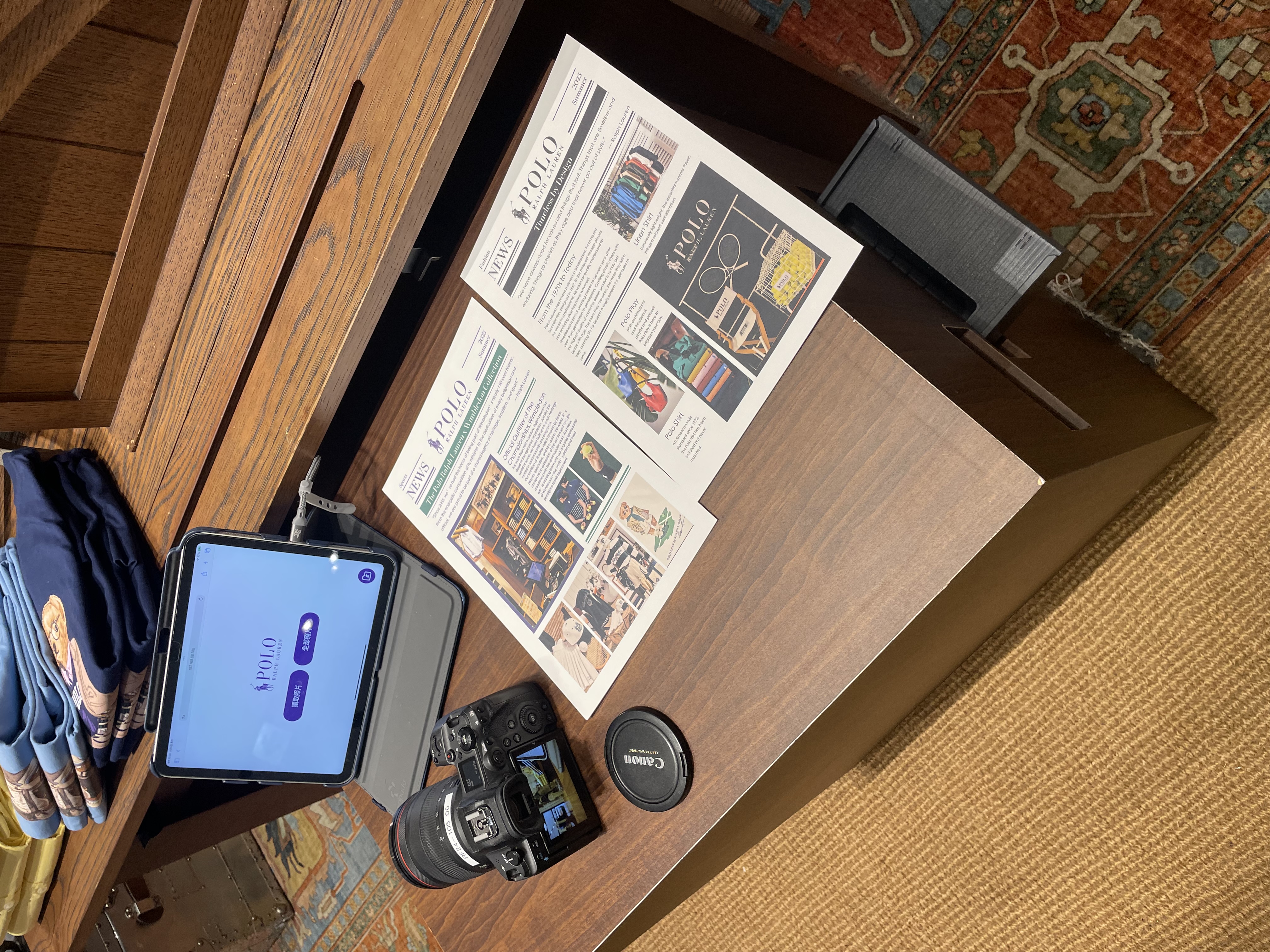
The wireless DSLR newspaper photo solution connects handheld DSLR shooting, photo transfer, tablet photo selection, branded newspaper compositing, and printing. It can also provide mobile downloads according to event settings. This customization simultaneously involves image design, data transmission, device integration, and production specifications for the physical product.
View case: IPSA street photography and commemorative poster printing.
View solution: Wireless DSLR newspaper photo interaction.
From concept to onsite use, how is the production process arranged?
The first step is requirements and venue assessment: confirm brand goals, event dates, participant numbers, single experience duration, venue photos, and available space; then define start, operation, completion, and reset workflows.
The second step is sensing and prototype testing: confirm trigger methods, game rules, and device control. Produce 3D printed prototypes if necessary to test grip, sensor placement, and assembly. Then proceed with brand visuals, software, props, and housing fabrication based on confirmed results.
The third step is full system and onsite testing: test formal equipment, props, visuals, and actual products together. Confirm power, network, queuing, staff guidance, restocking or consumable replacement, and abnormal condition handling. Production schedules should allocate time for adjustments and onsite calibration.
Which factors influence costs and production time?
Assessment items include customization level of gameplay and animations, sensing and control development, device quantity, prop and housing fabrication methods, system integration, event duration, transport, and onsite support. Photo or shipping-related devices also require confirmation of photo paper consumables, product specifications, and print or distribution volumes.
After providing event dates and budget range, first discuss the essential experience to preserve, then confirm production scope and testing schedule. If time is limited, adjustments based on existing interactive solutions may be evaluated; suitability depends on gameplay, equipment, and venue conditions.
Common questions when planning custom event interactive devices.
I only have a preliminary idea without complete specifications. Can I inquire? Yes. Describe what you want participants to do, what they see or receive after completion, and provide event dates, venue, and budget range as a starting point for requirements discussion.
Does every device need network connectivity? It depends on functionality. Standalone sensing and games can operate locally on site; if connecting to cloud, external membership systems, real-time data synchronization, or mobile download, then external network and interruption handling must be confirmed.
I already have prop or housing designs. Can I still collaborate? Yes. Provide drawings, dimensions, and reference photos to confirm sensors, equipment, wiring, heat dissipation, and maintenance space. If the structure is not finalized, early discussion benefits internal layout and prototype testing arrangements.
Turn your brand’s event ideas into participant-operable experiences.
If you are planning pop-up stores, exhibitions, brand tours, or corporate events, you are welcome to bring your themes and ideas for discussion. From tapping challenges, sensing shipments, to photo printing and brand housing integration, Lafun Studio can help clarify gameplay, sensing programming, prop fabrication, and onsite execution conditions, then evaluate appropriate production scope.